Best Silent Wireless Mouse in India: Is a Quiet-Click Mouse Worth It?
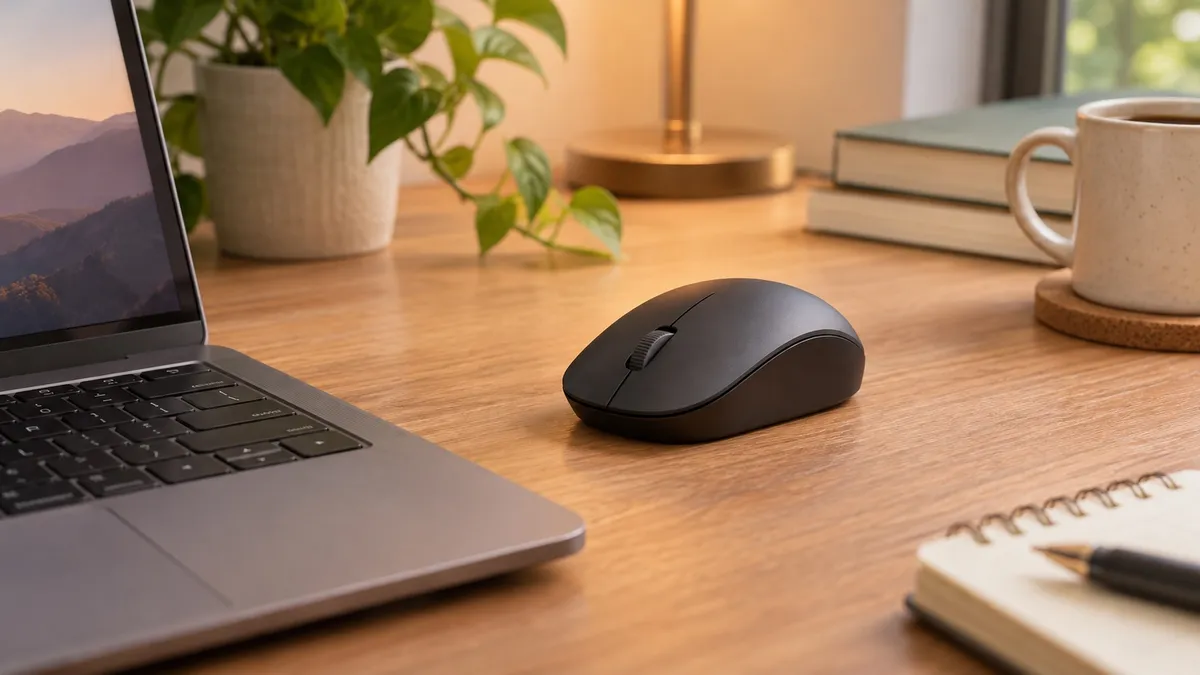
If you study late, share a room or work in a quiet office, the loudest sound on your desk is often the mouse click. A silent-click mouse removes most of it. This guide covers what “silent” does and does not mean, who gains from one, and what to check before you buy. We have not tested any mouse; the figures below are the manufacturer’s own claims, and we say so where it matters.
What “silent” actually means
A silent mouse uses click switches built to make less noise. The scroll wheel is not made silent, and tracking does not change. Logitech’s M221 page says its SilentTouch technology reduces clicking sounds by over 90%, and the footnote compares it with the Logitech M170 on left-click loudness measured at 1 m (Logitech India). That is Logitech’s comparison, not ours, and it is against one older model rather than every mouse.
Quick pick: Logitech M221 Silent
What Logitech’s own page states:
| Item | Stated by Logitech |
|---|---|
| Connection | USB receiver, up to 10 m range |
| Battery life | Up to 18 months (estimate; varies with use) |
| Click noise | Over 90% less clicking sound than the M170 |
| Design | Works for left- and right-handed users; compact enough for a laptop bag |
| Works with | Windows, macOS, Chrome OS and Linux |
Check these on the exact Amazon.in listing before you order:
- Bluetooth: Logitech’s page describes a USB receiver only. If a retailer page mentions Bluetooth, do not assume it; look at the box and spec table.
- Model name: Logitech’s feature text on this page says “M220” even though the page is titled M221. Confirm which model the seller ships.
- Battery: the Logitech page does not state the battery type. Read it on the listing.
- Price: it changes, so check the live Amazon.in price.
Top pick: Logitech M221 Silent Wireless Mouse on Amazon.in. It is a quiet, simple USB-receiver mouse. If you need Bluetooth for a tablet, pick a different model.
Who should buy a silent mouse
- Shared rooms and hostels: at night the click is the sound people notice first.
- Libraries, classes and open offices: fewer clicks to annoy your neighbours.
- Video calls: a softer click is less likely to reach a nearby microphone.
Who can skip it
- Gamers may prefer the firm, audible feedback of standard switches.
- Headphone users working alone may not notice a difference.
- Anyone who likes a crisp click: quiet switches can feel softer. Try one in a shop if feel matters.
How to check an Amazon.in listing
- Match the exact model name and number to the manufacturer’s page.
- Confirm the connection (receiver, Bluetooth or both) in the spec table.
- Check that the receiver and battery are included.
- Read recent reviews for the specific complaint you care about, such as scroll-wheel noise.
- Confirm the seller is the brand or an authorised seller.
Pair it with a better desk
A quiet mouse helps most when the rest of the desk is comfortable. Read our wireless mouse buying guide, the laptop stand guide, the laptop stand buying checklist and desk cable management tips. More in Gadgets.
Frequently asked questions
Are silent mice really silent?
They are quieter, not noiseless. The scroll wheel and the mouse sliding on the surface still make sound.
Will it work with a laptop that has no USB-A port?
Only with an adapter if the mouse uses a USB-A receiver. Check your laptop’s ports first.
How long does the battery last?
Logitech states up to 18 months for this mouse, and notes that battery life varies with use.
Is it good for office work?
Yes. The main difference is click sound, which suits quiet offices and shared spaces.
Do I need a mouse pad?
Usually not. Optical mice work on most surfaces, though glossy glass can cause tracking trouble.
More in Gadgets
- Gadgets
Study Table Lamp in India: How to Choose the Right One for Studying or Work
Choosing a study or desk lamp in India? What brightness, colour temperature, arm type and battery backup you need, and how to check a listing.
- Gadgets
Best Laptop Stand in India: What to Check Before You Buy
Choosing a laptop stand in India: fixed, foldable or adjustable, size and weight limits, airflow, and how to check an Amazon.in listing before you order.
- Gadgets
Work From Home Desk Setup in India: A Budget Checklist
Build a comfortable work-from-home desk in India in the right order: chair, screen height, keyboard and mouse, then cables, with what to check before buying.