Best Wireless Mouse Under ₹1000 in India: How to Choose by Use
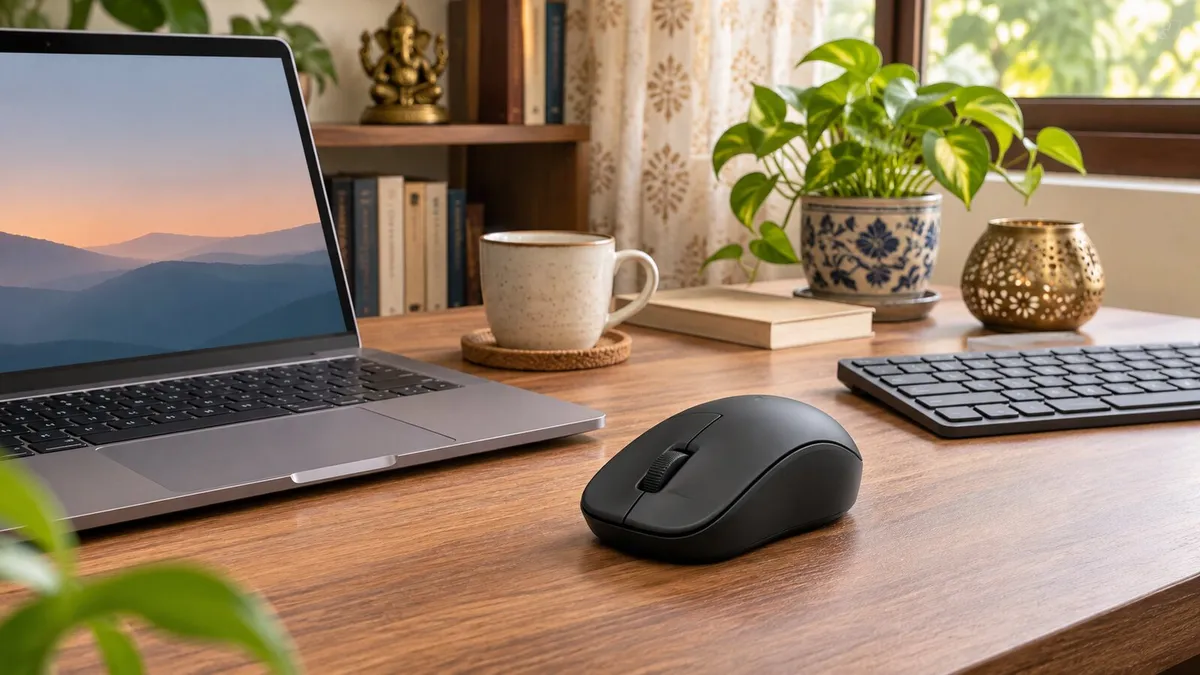
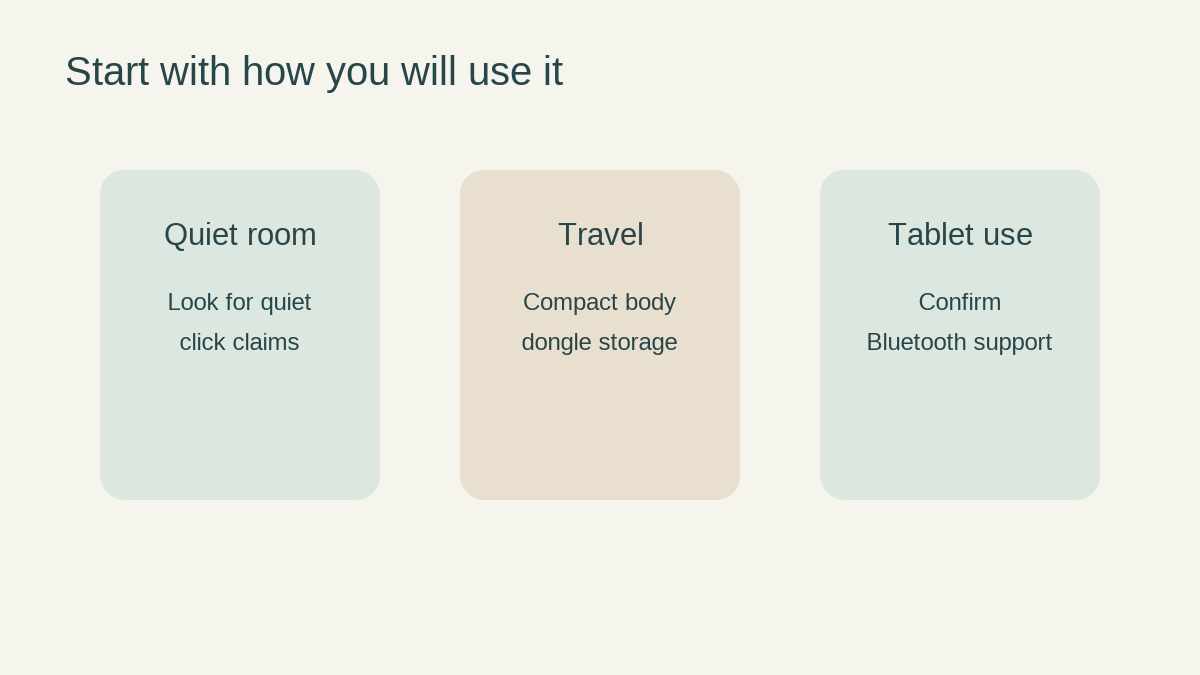
A mouse that is too small can feel cramped by lunchtime; one with the wrong receiver can be useless with your tablet. Start with how you will use it, then check the exact model and today’s price. We have not tested products for this guide, and an item only counts as “under ₹1000” if its live Amazon.in listing is below that amount.
Which type of wireless mouse is best under ₹1000?
| Connection | How it connects | Good fit | Check before buying |
|---|---|---|---|
| 2.4 GHz USB receiver | Small receiver plugs into a USB port | Most laptops with an available USB-A port | Receiver storage, USB port type and compatibility |
| Bluetooth | Pairs without a dedicated USB receiver | Tablets or devices with limited ports | Bluetooth version and device OS compatibility |
| Dual mode | Offers receiver and Bluetooth, if listing confirms both | Switching between devices | Whether it can pair with multiple devices and how switching works |
“Wireless” does not tell you whether a mouse uses Bluetooth or a USB receiver. Check the specification for the exact model and make sure it works with the ports and operating system on your device.
Pick a mouse by what you do
- Office or work from home: prioritise a comfortable shape, reliable connection and a scroll wheel you can use for long documents.
- Student: a compact mouse is easy to carry, but not if it feels cramped in your hand during long study sessions.
- Small hands or travel: compare the mouse’s actual dimensions and weight; “compact” is not a standard size.
- Quiet room or library: look for an explicit silent-click claim. Logitech describes SilentTouch on the M221 as reducing click noise by more than 90% compared with the M170 (manufacturer listing). This is the manufacturer’s stated comparison; we have not measured the noise ourselves.
- Tablet use: confirm Bluetooth support and compatibility with the tablet before purchase.
Five things to check before buying
- Click sound: “silent” usually refers to click noise, not the scroll wheel or every sound the mouse makes. Read the exact claim.
- Connection and ports: a USB receiver is inconvenient if your laptop has no compatible port and you do not own an adapter.
- Shape and hand fit: check length, width, hump and whether it is ambidextrous or shaped for one hand.
- Battery type and life claim: confirm whether batteries are included, rechargeable, or replaceable. Treat battery-life figures as manufacturer estimates that vary with use.
- DPI and use: everyday office work rarely needs a gaming-focused spec sheet. Confirm that the pointer speed can be adjusted in your operating system if needed.
Check today’s price before choosing
“Under ₹1000” is a moving price filter, not a permanent feature of any model. Before buying, open the exact Amazon.in listing and check the current price, connection type, model number and included receiver or battery. A manufacturer’s model page does not confirm Amazon stock or price. No Amazon listing has been verified for this guide, so it does not name a current under-₹1000 pick.
Silent mouse vs normal mouse: is it worth it?
A quiet-click model can be useful in a shared room, late-night study session or library. If click feedback matters more than sound, try one in person when possible: quieter switches can feel different from a standard click. Look at the exact model’s claim and remember that an advertised decibel reduction may use a specific comparison mouse and testing setup.
Use a mouse with a laptop stand
A raised laptop screen works best when you can position your input devices independently. Keep the mouse near the keyboard so you do not reach sideways for long periods; OSHA notes mouse placement affects posture and advises keeping the pointer within easy reach (OSHA guidance). For screen height and keyboard placement, see OSHA guidance on monitor positioning. Our laptop stand guide for working from home covers stand types and a five-minute desk setup.
How to make batteries last longer
Turn the mouse off when it has a switch and will be stored for a while. Keep the receiver in its storage slot if provided, avoid leaving the pointer moving against objects in a bag, and replace batteries with the type specified by the manufacturer. For rechargeable models, follow the brand’s charging instructions. Actual battery life depends on the device and usage.
A wireless mouse removes one cable; for the rest, here is how to organise desk cables on a budget.
Frequently asked questions
Is Bluetooth or a USB dongle better for a wireless mouse?
A USB receiver is straightforward when your device has a compatible port. Bluetooth avoids using a port and can suit tablets. Choose based on the exact device compatibility and connection you need.
Are silent mice worth it?
They may help in a quiet shared space. Check whether the silent claim applies to the exact model and whether its feel suits you; the scroll wheel may still make noise.
How long does a wireless mouse battery last?
It varies by model, battery, usage and power-saving features. Treat manufacturer estimates as approximate and confirm whether the battery is replaceable or rechargeable.
Can I use one wireless mouse with a laptop and a tablet?
Only if the mouse supports a connection both devices can use and offers a practical way to switch. Confirm the pairing and operating-system requirements before buying.
What DPI do I need for office work?
Most office users can start with ordinary pointer speed and adjust it in the operating system. Prioritise comfort and predictable control over a high maximum DPI number.
Where to go next
Browse Gadgets, organise your work with the 80/20 productivity guide, read our silent wireless mouse guide, set up the whole desk with the work-from-home desk setup guide, or use the study routine guide to plan breaks.
More in Gadgets
- Gadgets
Study Table Lamp in India: How to Choose the Right One for Studying or Work
Choosing a study or desk lamp in India? What brightness, colour temperature, arm type and battery backup you need, and how to check a listing.
- Gadgets
Best Laptop Stand in India: What to Check Before You Buy
Choosing a laptop stand in India: fixed, foldable or adjustable, size and weight limits, airflow, and how to check an Amazon.in listing before you order.
- Gadgets
Best Silent Wireless Mouse in India: Is a Quiet-Click Mouse Worth It?
Quiet-click wireless mice explained for India: what 'silent' really means, who benefits, what the Logitech M221 claims, and how to check an Amazon.in listing.